
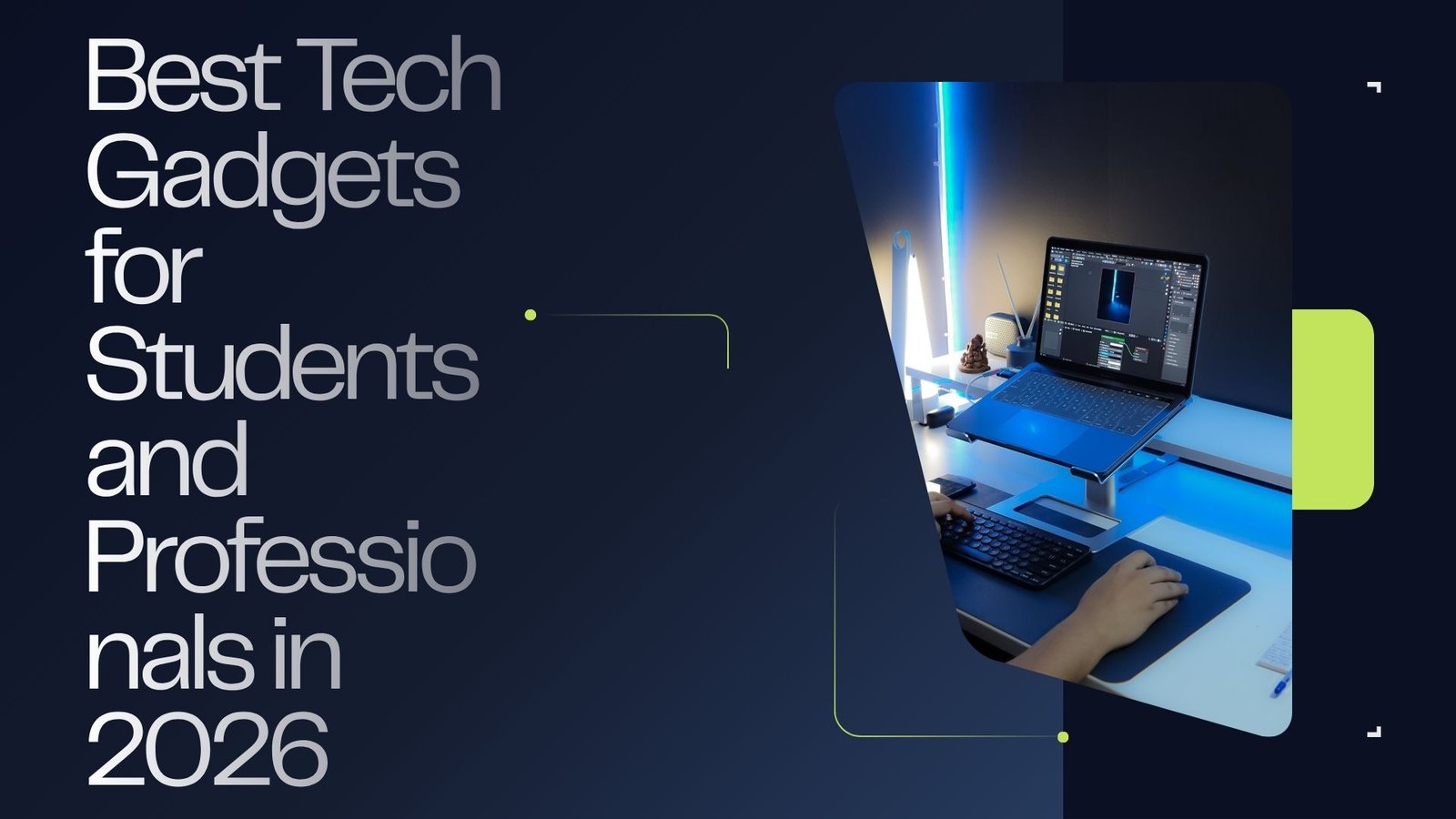
Technology has become an important part of studying, working, communication, and everyday productivity. The right gadgets can make it easier to take notes, attend online classes, manage projects, stay connected, and work from almost anywhere.
Current 2026 back-to-school technology guides highlight laptops, tablets, headphones, portable chargers, monitors, keyboards, and other accessories as useful tools for students and professionals.


💻 1. Laptop
A laptop is one of the most useful gadgets for both students and professionals. Students can use it for research, assignments, presentations, online classes, and studying, while professionals can use it for meetings, documents, creative work, communication, and business tasks.
When choosing a laptop, consider:
- Battery life
- Processor performance
- RAM
- Storage
- Screen quality
- Weight and portability
- Operating system
- Budget
For students, lightweight laptops with good battery life can be particularly convenient for carrying between classes. Current 2026 laptop guides include options ranging from affordable student models to higher-performance machines for creative work.
📱 2. Tablet
A tablet can be a useful second device for reading, note-taking, presentations, video lessons, and entertainment.
With a compatible stylus, students can write notes directly on the screen. Professionals can also use tablets for reviewing documents, signing files, presentations, and traveling.


🎧 3. Noise-Canceling Headphones
Headphones can help students concentrate in busy libraries, dormitories, cafés, or shared spaces. Professionals can use them for video meetings, travel, calls, and focused work.
Look for:
- Comfortable ear cushions
- Strong battery life
- Good microphone quality
- Active noise cancellation
- Bluetooth connectivity
- Easy controls
Noise-control audio products remain a popular category in current student tech recommendations.
🔋 4. Portable Power Bank
A power bank is especially useful for students and professionals who spend long hours away from home or the office.
A good power bank can recharge phones, tablets, earbuds, and sometimes laptops. Check its capacity, charging speed, USB-C support, and size before buying.


🖥️ 5. External Monitor
An external monitor can make a major difference for people who regularly multitask.
Students can keep research open on one screen while writing an assignment on another. Professionals can use one screen for email, another for documents, spreadsheets, design work, or video calls.
A monitor is particularly useful for creating a comfortable home-office or study setup.
⌨️ 6. Wireless Keyboard and Mouse
A wireless keyboard and mouse can turn a laptop or tablet into a more comfortable workstation.
Choose a keyboard with comfortable keys and a mouse that fits naturally in your hand. Compact wireless models are especially convenient for students who frequently move between home, school, and libraries.
📷 7. Webcam
A quality webcam can be helpful for online classes, remote interviews, business meetings, presentations, and video calls.
If your laptop already has a good camera, an external webcam may not be necessary. However, professionals who regularly attend online meetings may benefit from better image quality and microphone performance.
📝 8. Smart Notebook or Digital Note-Taking Device
Digital note-taking tools can help students organize class notes and professionals keep track of meetings and ideas.
Some smart notebooks allow handwritten notes to be digitized and transferred to cloud services, reducing the need to carry multiple paper notebooks.


🔌 9. USB-C Hub
Modern laptops and tablets often have fewer traditional ports, making a USB-C hub a useful accessory.
Depending on the model, a hub can provide connections for:
- USB devices
- HDMI displays
- Memory cards
- Ethernet
- External storage
- Charging
This is particularly useful for professionals who regularly connect multiple devices to their laptop.
💡 10. Desk Lamp
A good desk lamp is a simple but useful addition to a study or work area. Adjustable brightness and positioning can make reading, writing, and computer work more comfortable.
A well-organized desk with appropriate lighting can also make a workspace feel more pleasant.
⌚ 11. Smartwatch or Fitness Tracker
A smartwatch can provide notifications, alarms, timers, calendar reminders, and fitness tracking.
Students can use reminders to manage classes and study sessions, while professionals can use notifications and calendar alerts to stay organized throughout the workday.
💾 12. External SSD
An external SSD can provide additional storage and a convenient way to back up important files.
Students can store large projects, videos, presentations, and study materials. Professionals may use external storage for work documents, photographs, videos, design projects, and backups.
🎒 How to Choose the Right Tech Gadgets
You don’t need to buy every gadget available. Start with the devices that solve your biggest everyday problems.
For students:
Focus on portability, battery life, affordability, note-taking, and study productivity.
For professionals:
Prioritize performance, multitasking, connectivity, ergonomics, storage, and reliability.
For both:
Before purchasing, compare specifications, reviews, compatibility, warranty coverage, and total cost. Current 2026 guides also emphasize practical accessories rather than simply buying the newest device.
💰 Final Thoughts
The best technology isn’t necessarily the most expensive technology. A reliable laptop, comfortable headphones, portable charger, useful accessories, and an organized workspace can provide significant value for students and professionals.
As September and the new academic and work season approach, choosing technology based on your actual needs and budget is a smarter strategy than simply following every new gadget trend.
Leave a Reply